YouTube Shorts is crowded. Posting random clips isn’t enough anymore. The creators who win in 2026 move fast, test often, and use AI to multiply output.
If you’re looking for the best AI video generators for YouTube Shorts, I’ll break this down in a practical way. Not just features. Not just hype. I’ll focus on what helps you create Shorts that hook fast and scale.
Let’s get into it.
Why YouTube Shorts Creators Need AI in 2026
Shorts success comes down to three things:
- Strong hooks in the first 2 seconds
- Fast production cycles
- Constant testing
AI helps with all three.
Instead of filming everything manually, you can:
- Turn scripts into videos
- Animate images into motion
- Repurpose long videos into Shorts
- Generate thumbnails fast
- Test multiple variations
If you’re serious about growth, AI isn’t optional anymore. It’s a production advantage.
What Makes an AI Video Generator Good for YouTube Shorts?
Not every AI video tool works well for Shorts. Here’s what I look for.
1. Fast Text-to-Video
You need to turn an idea into a visual quickly. If generation takes too long, testing becomes slow.
2. Image-to-Video for Hooks
A static image won’t hold attention. Good image-to-video tools add motion, zoom, or cinematic effects instantly.
3. Built-In AI Video Editor
After generation, you’ll want to:
- Trim scenes
- Add captions
- Adjust pacing
- Insert effects
If the tool forces you to export and re-edit elsewhere, your workflow slows down.
4. AI Thumbnail Maker
Yes, even Shorts benefit from strong thumbnails on channel pages. A good AI thumbnail maker helps you test bold visuals fast.
5. Viral Features
Fun, trend-driven tools like:
- Character swap
- Mimic motion
These can make your content stand out instantly.
6. Cost Efficiency
Shorts require volume. If each clip is expensive, scaling becomes hard.
Best AI Video Generators for YouTube Shorts in 2026
Here are the tools I’d actually consider.
1. Loova – Best All-in-One AI Platform for YouTube Shorts
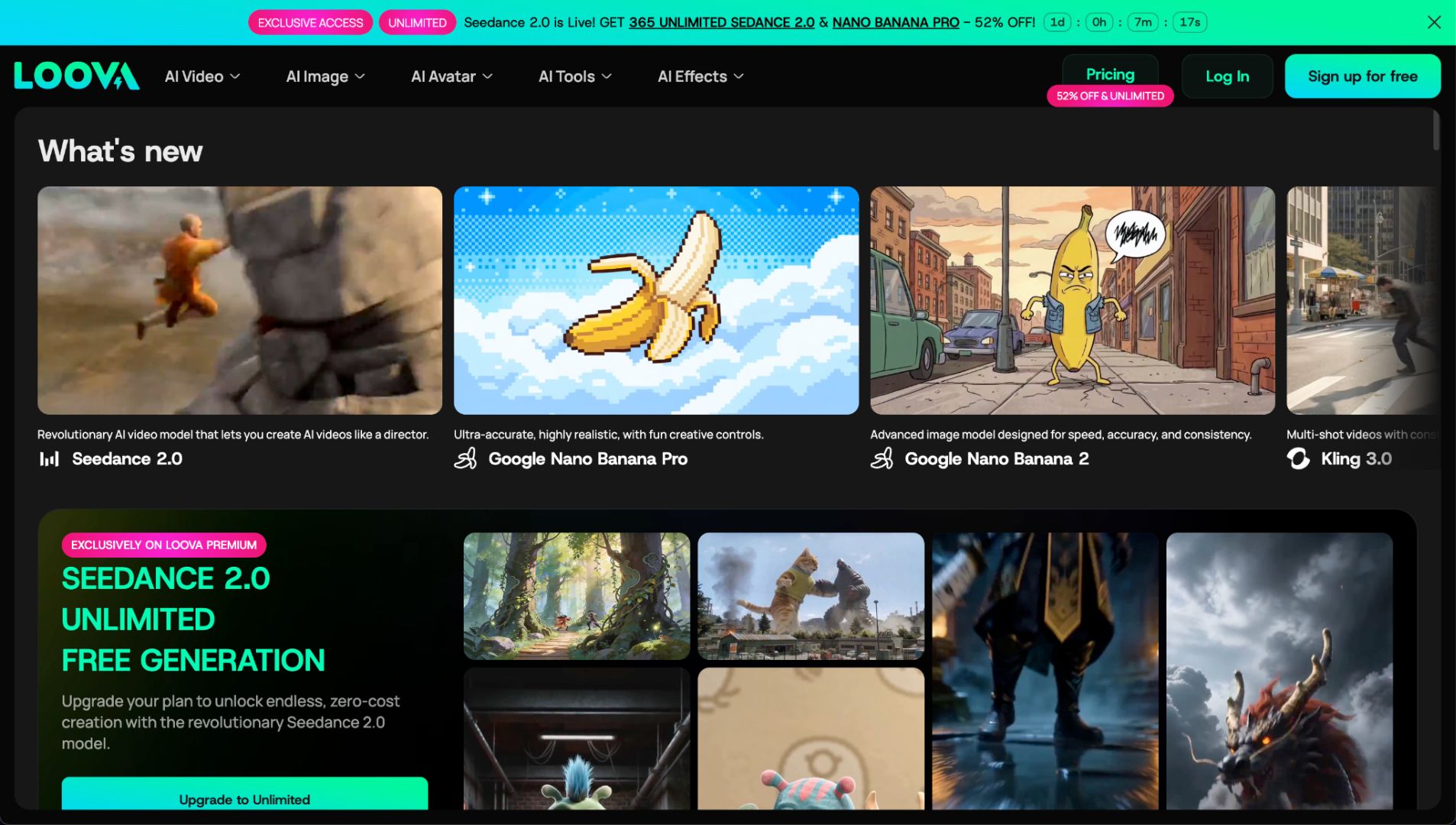
If I had to choose one platform to run a Shorts channel in 2026, this would be it.
Loova combines AI video generation, AI image generation, editing tools, and trending AI models in one place. That matters more than people think. The latest AI video model Seedance 2.0 is live on Loova with unlimited video creation for a month.
Instead of using three tools, you create everything inside one ecosystem.
Why It’s Powerful for Shorts
Multiple AI Models in One Platform
Loova integrates trending AI models. You can create with different models without jumping between tools.
That saves time. It also reduces cost compared to paying for multiple subscriptions.
Complete Shorts Workflow
Inside Loova, you can:
- Create text to video clips
- Turn images into motion with image to video
- Edit videos directly
- Generate AI images
- Create thumbnails with the AI thumbnail maker
You’re not just generating clips. You’re building the full package.
Viral Features That Actually Help
Two features I think are strong for Shorts:
- Character swap – instantly change faces or subjects to create surprising visuals
- Mimic motion – transfer motion from one video to another
These are perfect for trend-based Shorts.
If you want to test 5 variations of a viral idea in one afternoon, this kind of flexibility matters.
Best For
- Faceless Shorts channels
- Trend-based content
- High-volume creators
- Automation-style workflows
Weakness
You’ll need to experiment to learn which model works best for your niche. But that’s normal with AI tools.
2. Vizard – Best for Turning Long Videos into Shorts

If you already create long YouTube videos or podcasts, Vizard helps you repurpose content.
What It Does Well
- Auto-detects highlights
- Formats into vertical clips
- Adds captions
It’s efficient for repurposing.
Limitation
It’s not a full AI video generator. You still need original footage.
Best for creators who want to maximize existing content.
3. Vidyo.ai – Fast Clip Extraction
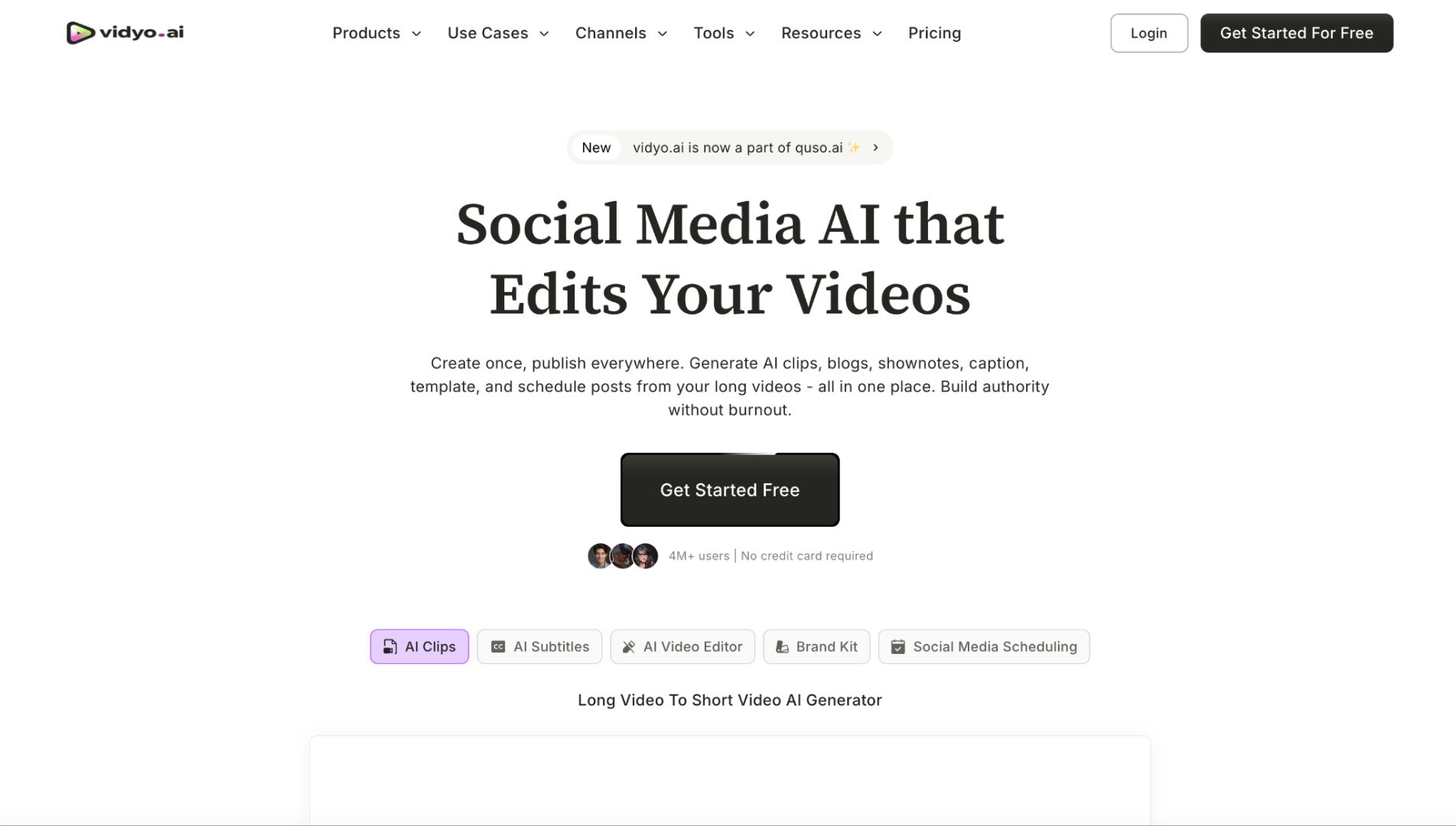
Vidyo.ai is similar to Vizard. It’s strong for:
- Podcast snippets
- Interview highlights
- Educational breakdowns
If your strategy is volume through repurposing, this is useful.
But it won’t help you create visuals from scratch.
4. Kling – Strong Image-to-Video Quality
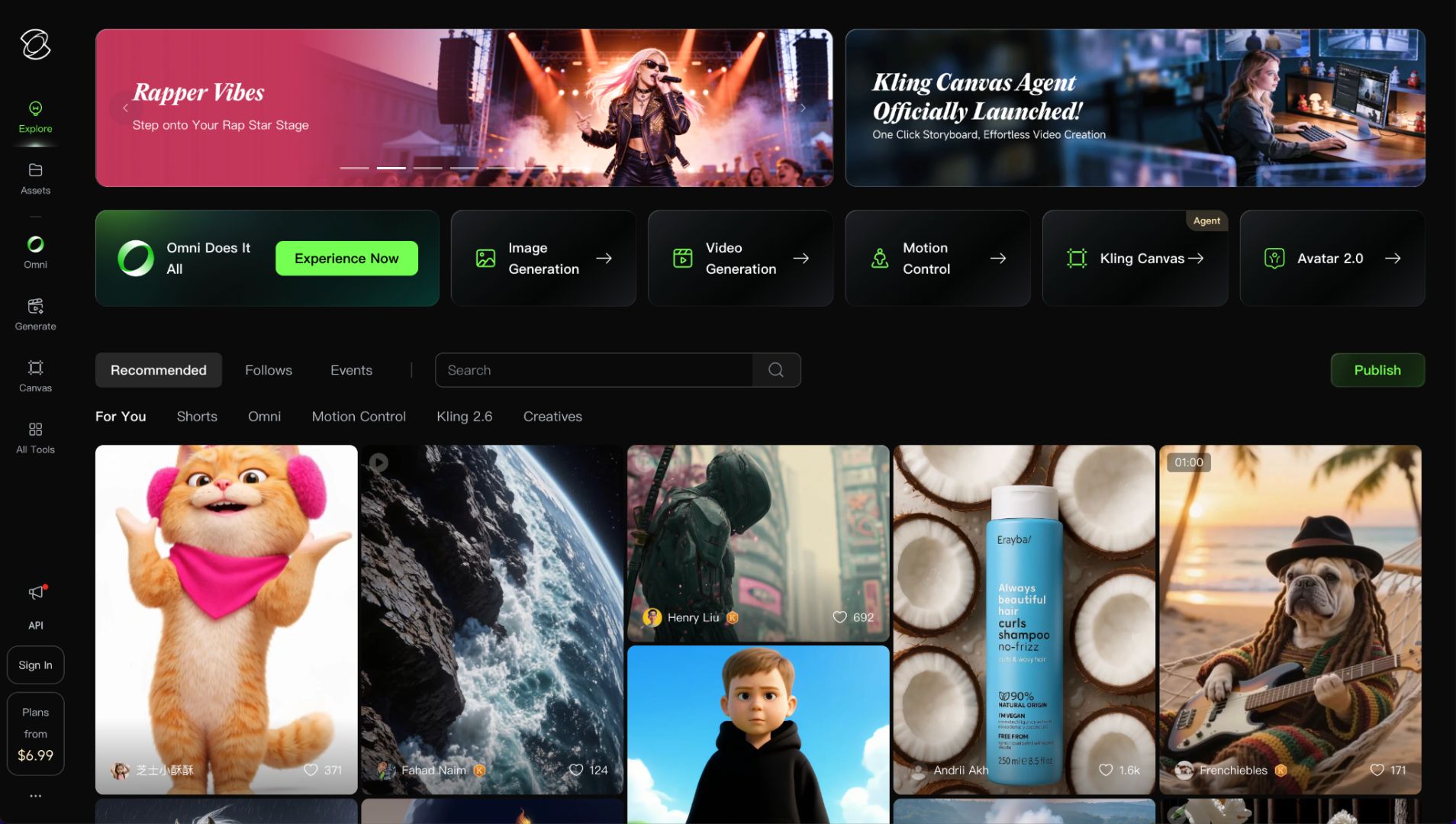
Kling stands out in realism.
If you want visually impressive short scenes, it performs well with image-to-video.
Strength
- Realistic lighting
- Smooth motion
Limitation
It’s not optimized for high-volume Shorts workflows.
Best for cinematic Shorts rather than daily trend content.
5. Creatify – Product-Focused Shorts
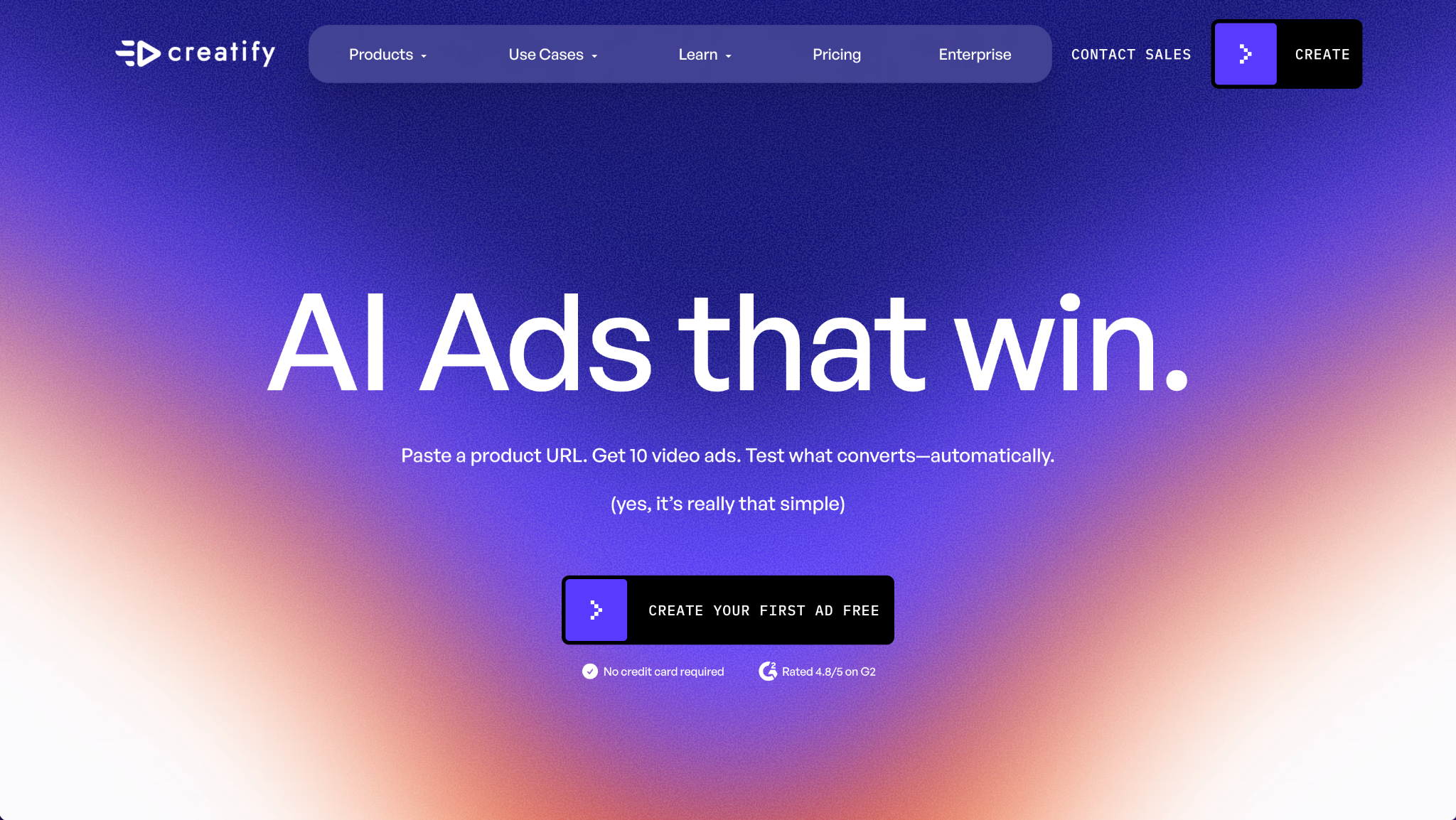
If you run an e-commerce brand or affiliate channel, Creatify is worth looking at.
It focuses on:
- AI product videos
- Ad-style short clips
- Good for promotional Shorts.
Less flexible for creative trend content.
6. Descript – Editing and Voice Tools
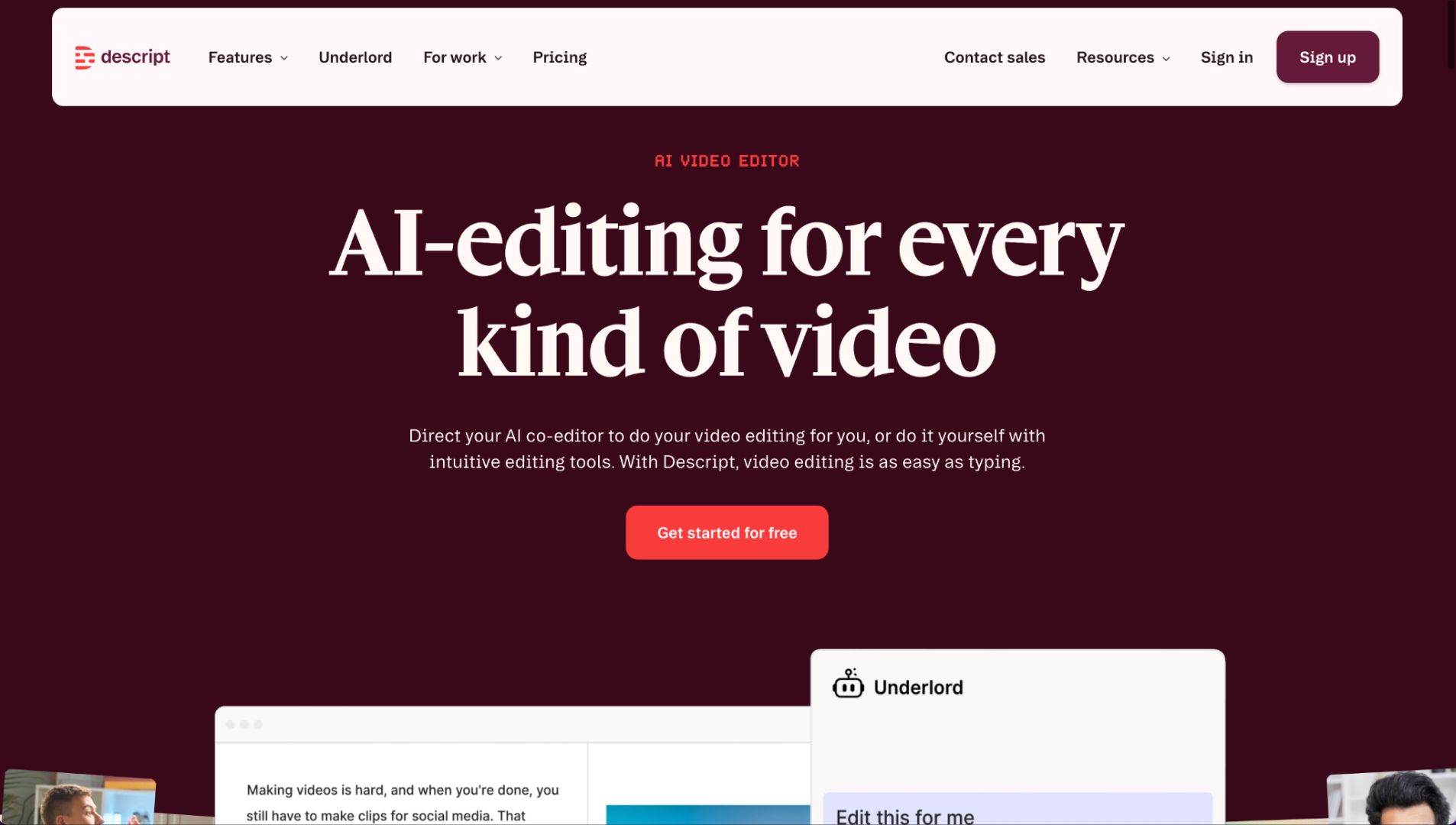
Descript is more of an editing tool with AI features.
You can:
- Edit video via text
- Remove filler words
- Add voiceovers
Great for educational Shorts.
But it’s not a full AI visual generator.
7. Pictory – Script-to-Video Shorts
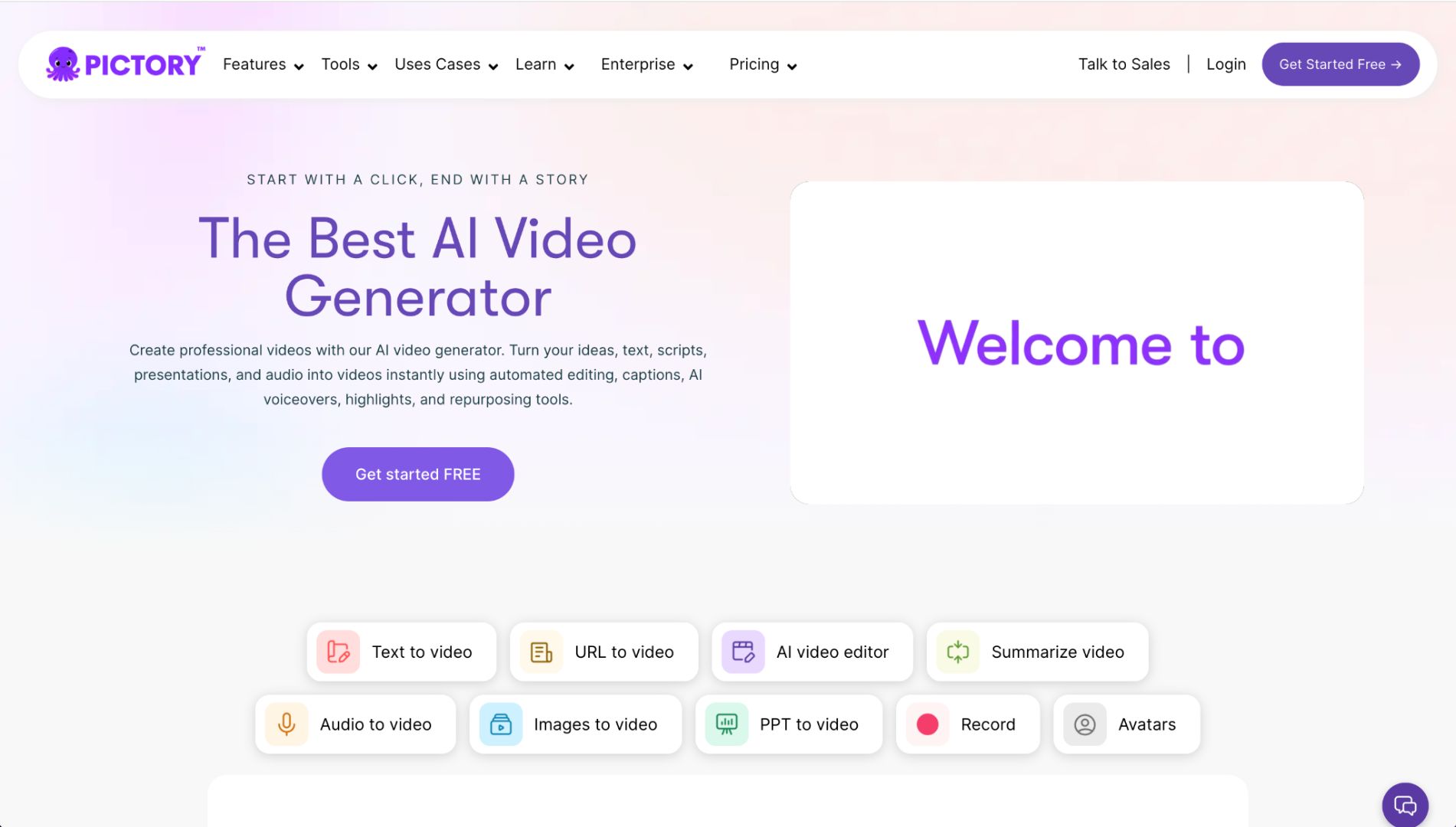
Pictory turns blog posts or scripts into video automatically.
This works well for:
- Educational content
- Quick explainer Shorts
It’s convenient, but visuals may feel generic without extra editing.
8. Opus Clip – Viral Clip Detection
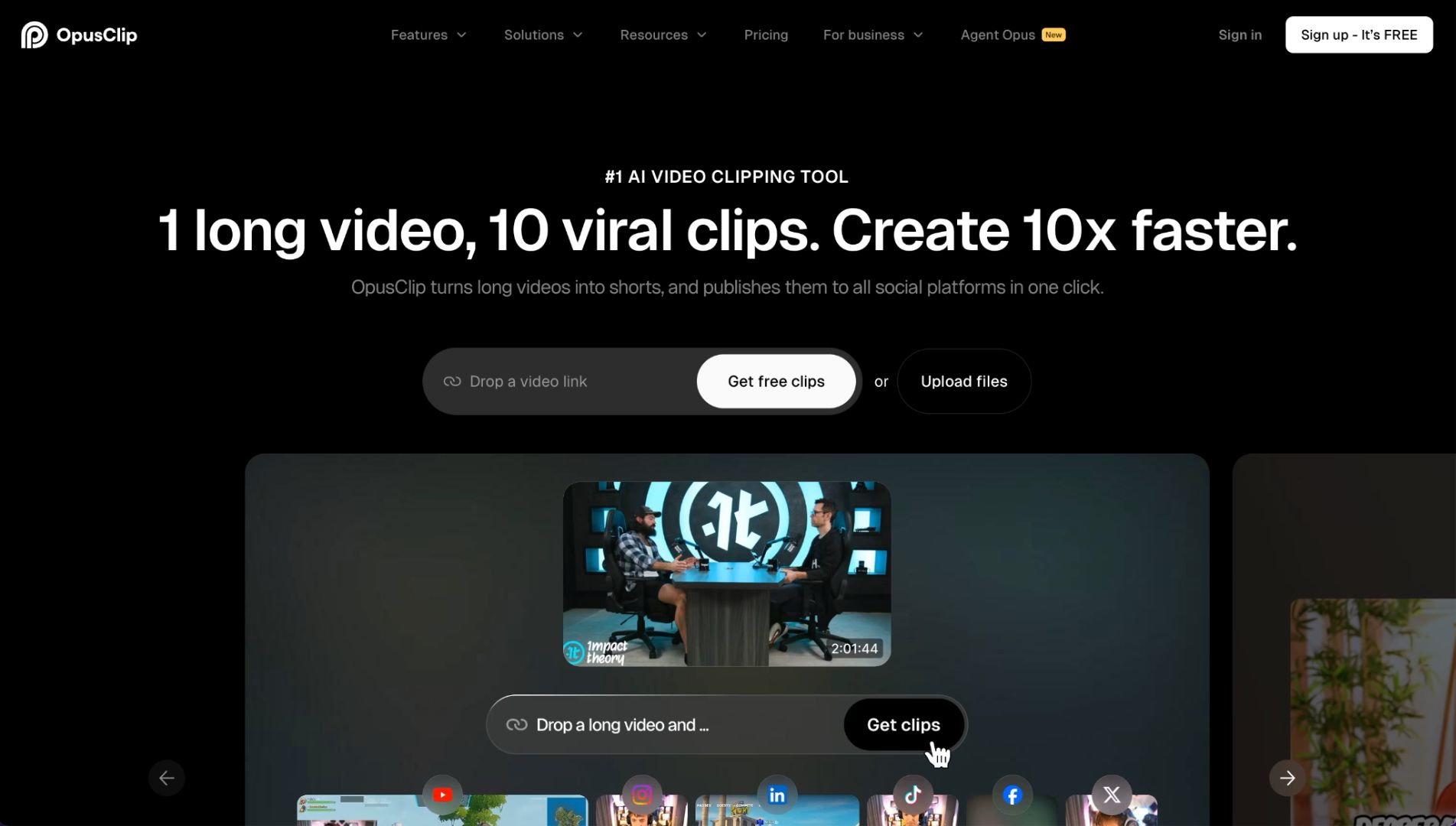
Opus Clip focuses on finding viral segments in longer videos.
It includes AI scoring to predict performance.
Helpful if your strategy is repurposing long content.
Again, not a full generation platform.
Which AI Tool Is Best Based on Your Shorts Strategy?
Let’s simplify.
For Faceless Shorts Channels
You need text-to-video + image-to-video + editing.
Loova makes the most sense because everything is integrated.
For Trend-Based Meme Shorts
You need fast variation testing.
Character swap and mimic motion features are powerful here.
For Educational Shorts
Descript and Pictory help with script-based content.
For Repurposing Long Videos
Vizard, Vidyo.ai, and Opus Clip are strong.
For Product Promotion
Creatify works well for product-style visuals.
How I’d Go Viral on YouTube Shorts Using AI
Here’s the workflow I’d follow.
Step 1 – Find a High-Retention Hook
Start with:
- A bold statement
- A surprising visual
- A strong emotional reaction
The first 2 seconds decide everything.
Step 2 – Generate the Visual
Use text-to-video to create the base clip.
Or use image-to-video to animate a strong visual idea.
If you’re using an all-in-one platform like Loova, you can test multiple versions quickly.
Step 3 – Add Movement and Variation
Movement keeps attention.
Use:
- Image zoom effects
- Scene changes
- Mimic motion
- Character swap
Small changes can dramatically increase retention.
Step 4 – Add Captions
Most Shorts are watched without sound.
Clear, bold captions improve watch time.
Step 5 – Create a Strong Thumbnail
Even Shorts benefit from strong thumbnails on channel pages.
Use an AI thumbnail maker to:
- Test bold colors
- Add expressive faces
- Highlight key words
Step 6 – Publish Multiple Variations
Don’t post one version.
Change:
The hook line
The visual angle
The pacing
AI makes this fast.
Testing wins.
Common Mistakes That Kill Shorts Performance
I see these often.
Weak First 2 Seconds
If nothing moves or surprises, people scroll.
No Visual Motion
Static visuals don’t hold attention.
Overcomplicated Edits
Shorts need clarity, not complexity.
Posting One Version Only
AI allows rapid testing. Use that advantage.
Ignoring Thumbnail Strategy
Even Shorts creators benefit from strong branding.
Final Thoughts
The best AI video generator for YouTube Shorts depends on your workflow.
If you mainly repurpose long videos, tools like Vizard or Opus Clip are efficient.
If you want to create Shorts from scratch, test trends, and scale output, you need a platform that combines:
- Text-to-video
- Image-to-video
- Video editing
- AI image generation
- Thumbnail creation
- Viral features
That’s why an all-in-one system like Loova stands out.
If you want to explore a platform that integrates multiple AI models while keeping costs manageable, start with Loova.
Shorts growth comes from speed, testing, and creativity. AI simply gives you leverage.
Frequently Asked Questions
What is the best AI video generator for YouTube Shorts in 2026?
If you want a full workflow in one place, Loova is one of the strongest options. If you focus on repurposing long videos, tools like Vizard or Opus Clip are useful.
Can AI help my YouTube Shorts go viral?
AI helps you create faster, test more ideas, and improve visuals. Viral success still depends on hooks and retention.
Which AI tool is best for faceless YouTube Shorts?
You need text-to-video, image-to-video, and editing tools. An integrated platform works best for this type of channel.
Is text-to-video good for YouTube Shorts?
Yes. It allows you to generate visuals quickly and test different ideas without filming.
Do I need an AI thumbnail maker for Shorts?
It’s helpful for channel branding and testing click-through rates, especially on desktop and channel pages.
How much does an AI Shorts generator cost?
Costs vary. Some tools use credit systems. Others offer monthly subscriptions. High-volume creators should consider cost per video.
What are character swap and mimic motion?
Character swap replaces subjects in videos for creative effects. Mimic motion transfers motion from one clip to another. Both can make Shorts more engaging.